Credentials drive the broadcast
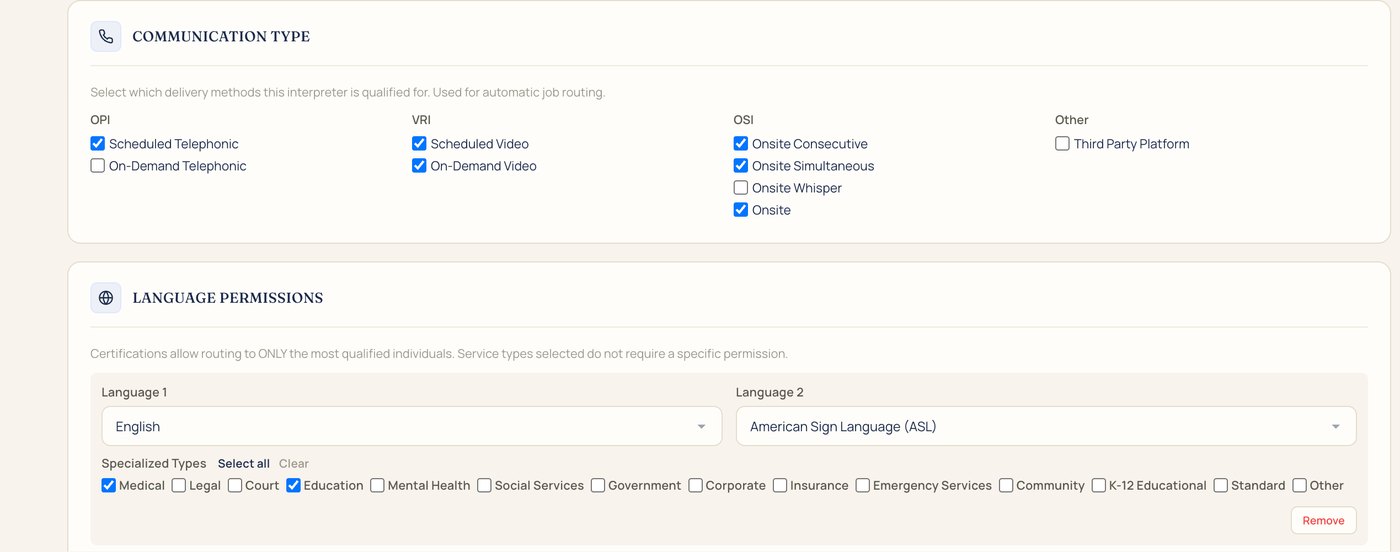
Each profile holds an interpreter's credentials, like NIC or BEI, the call types they take, and the settings they're cleared for, like medical or education. Broadcasts start with the interpreters who qualify.
Scheduling, dispatch, billing, and payments in one system, built for interpreting.


However your agency works: by setting, by service, or by the languages you cover.
IMP handles requests, broadcasting, confirmations, invoices, and interpreter pay. It's built by Frederick Interpreting Agency, a Deaf-owned agency that knows the work from every side.

Follow one school request, step by step.
A school needs an ASL team for Thursday's IEP meeting. Enter it in a few fields, or let AI Intake draft it from the school's email. It lands in the dashboard queue.

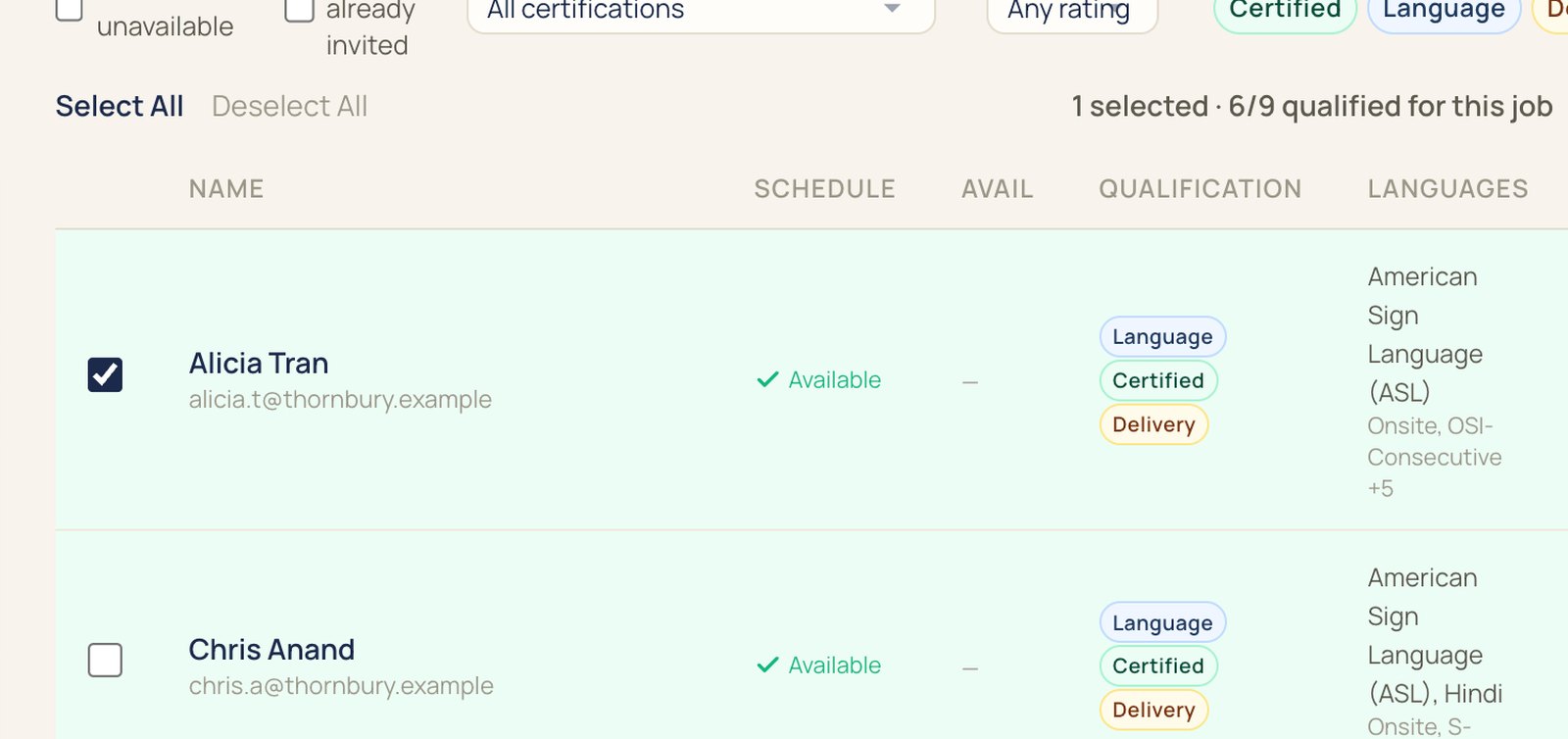
IMP lists the interpreters who qualify, with availability, credentials, rate, and distance. Anyone already booked or marked unavailable is left off.
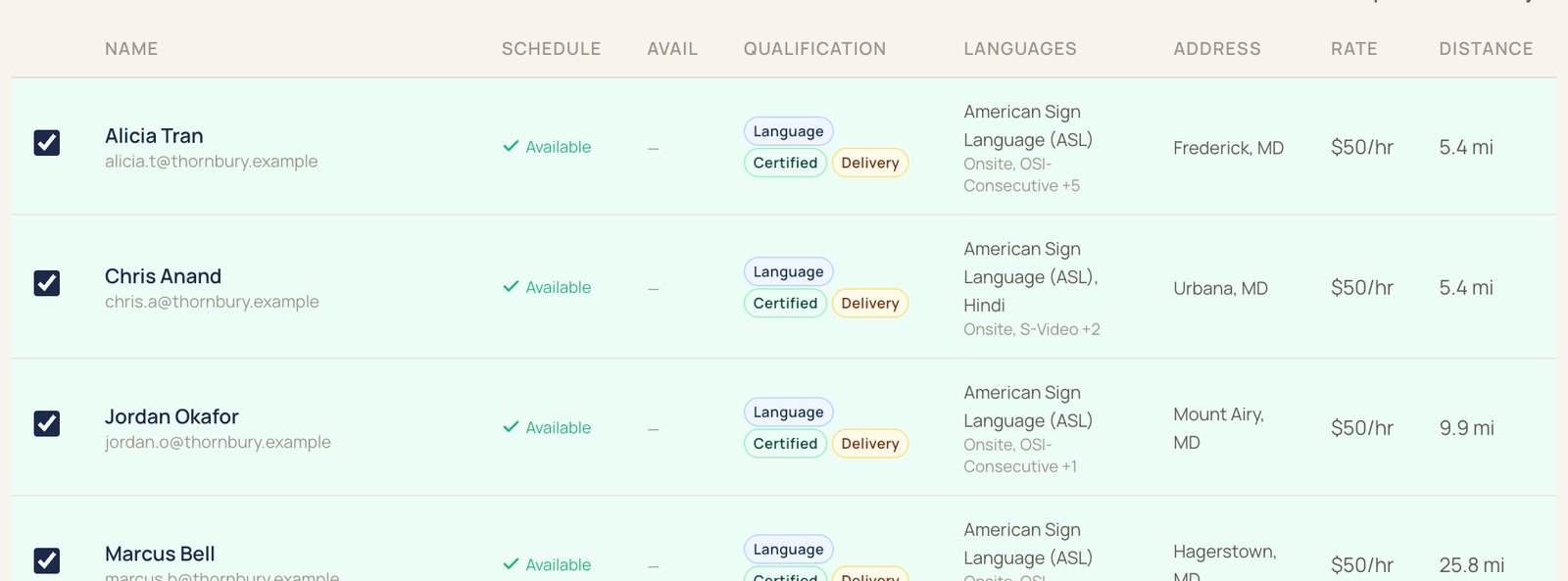
Two interpreters accept. The scheduler confirms them, and each one gets the full details and a reminder about two hours before.
Your rate card prices each job, including minimums and rush rates. Invoices go out by account, clients pay by card through your Stripe, and invoices sync to QuickBooks.

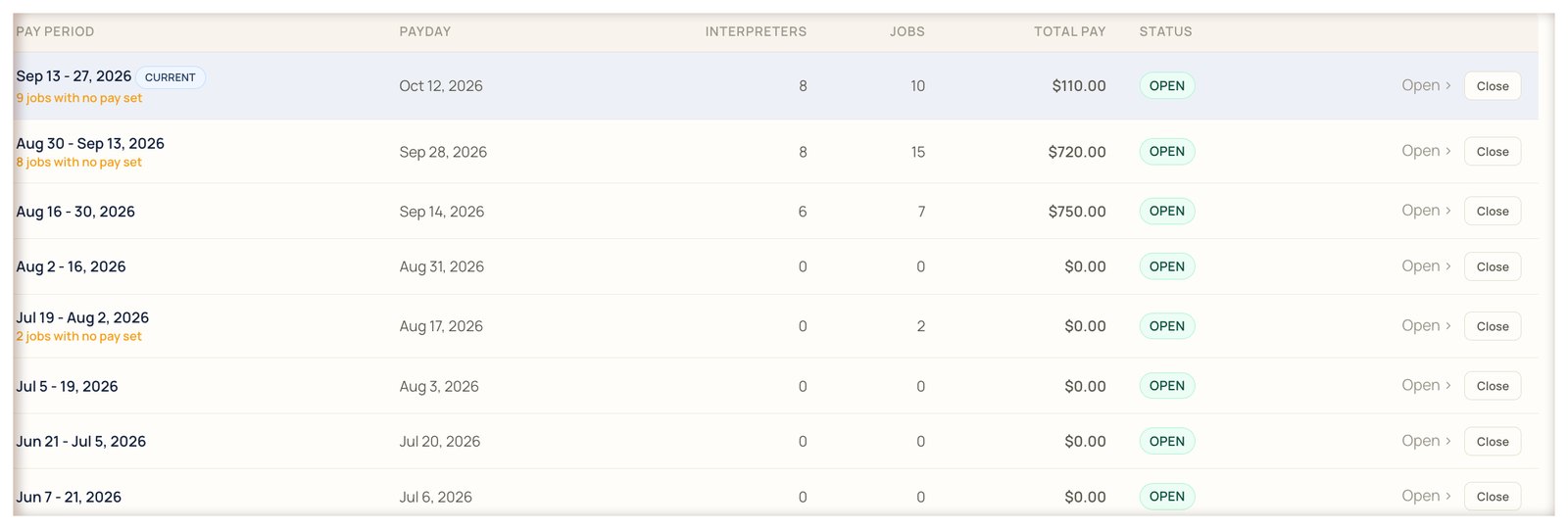
Pay periods follow your payroll calendar. Interpreters see their statements in the app, and your bookkeeper exports the period for QuickBooks.
Requests, job offers, and invoices move between your clients, your team, and your interpreters. Each of them works in their own view.
Clients send requests to your team. Your team sends job offers to interpreters, and interpreters accept. Your team sends confirmed jobs and invoices back to clients.
Request interpreters, follow their appointments, and leave notes for your team. An Account Admin can approve requests from their own staff.
Book, broadcast, and confirm jobs. Send invoices, close pay periods, and see job changes in the activity log.
Get job offers as notifications and accept in the app. Keep their schedule, availability, and pay statements there, and add confirmed jobs to Google Calendar.
Built from years of booking interpreters at FIA.
Each profile holds an interpreter's credentials, like NIC or BEI, the call types they take, and the settings they're cleared for, like medical or education. Broadcasts start with the interpreters who qualify.
IMP won't put an ASL, CDI, CART, or TypeWell request on an audio-only call.
Choose which details show on a broadcast. Confirmed interpreters see the rest.
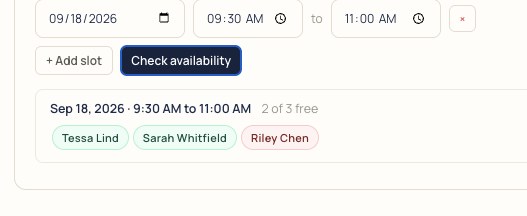
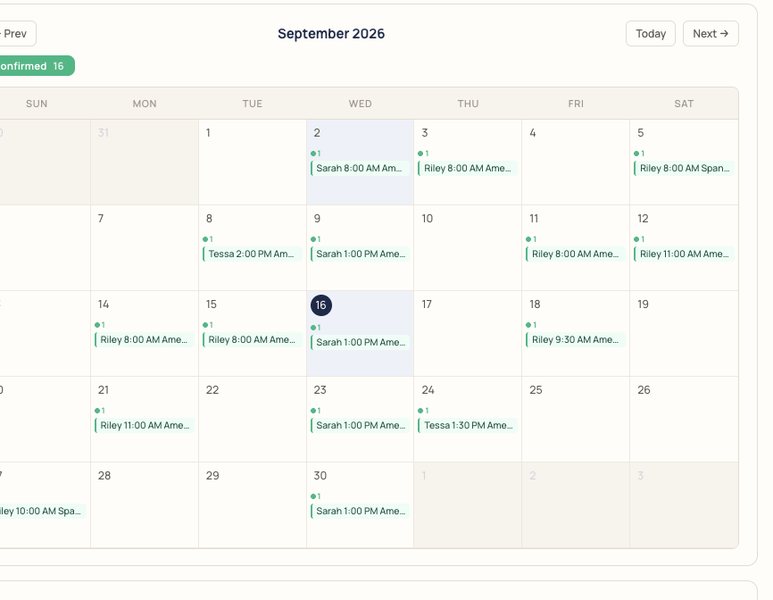
Check a date and time, and IMP shows which interpreters are open before you broadcast.
Turn it on, and a video or phone call that rings past your delay is offered to the IMP Interpreter Network too, in ASL, Spanish, and French. You set the delay, from 5 to 120 seconds.
Team jobs keep both interpreters on one appointment.
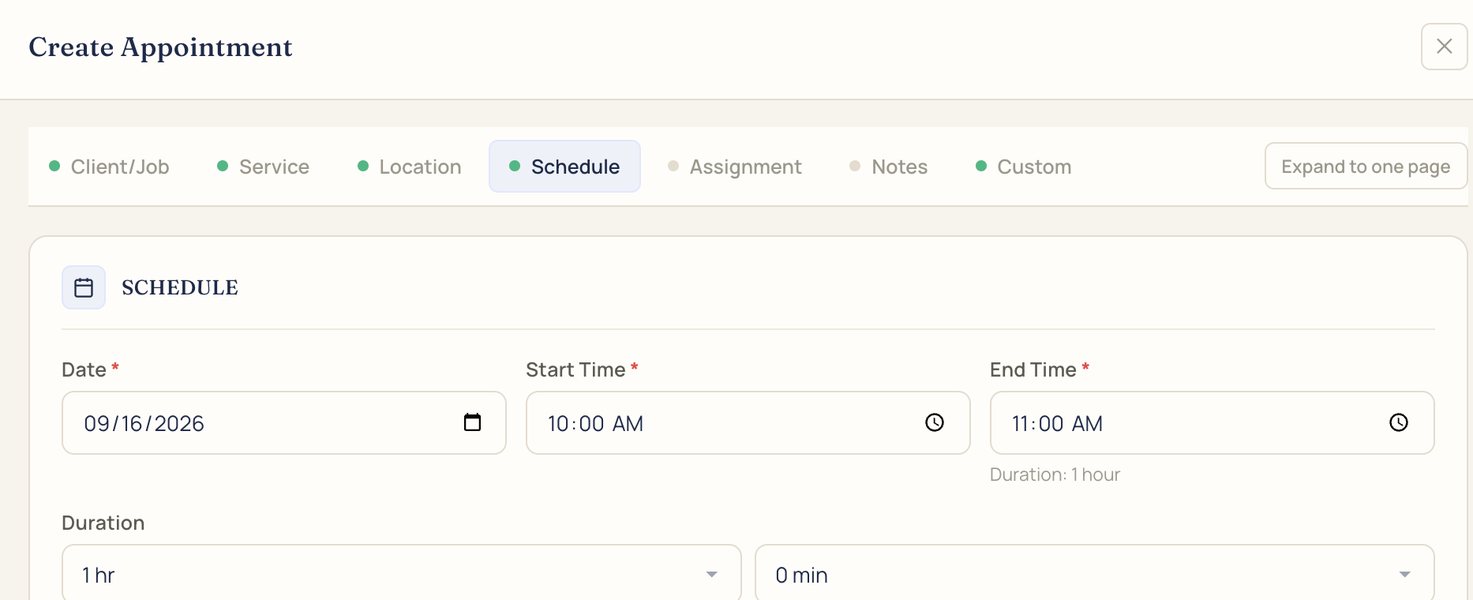
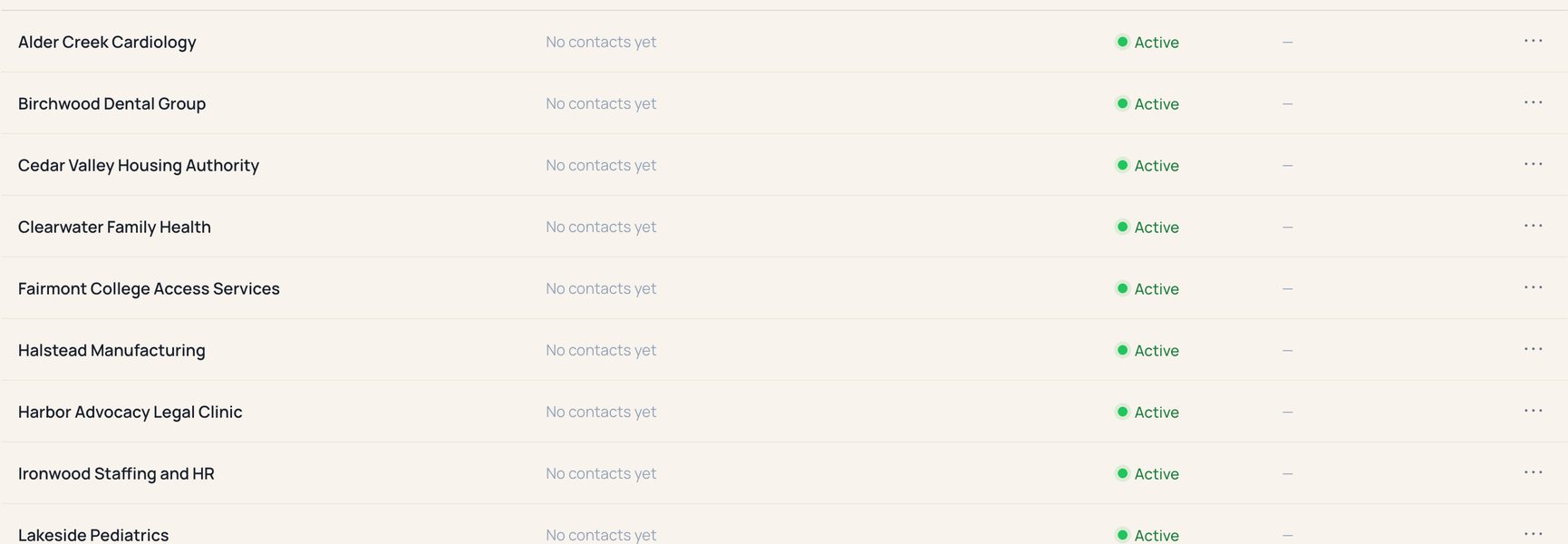
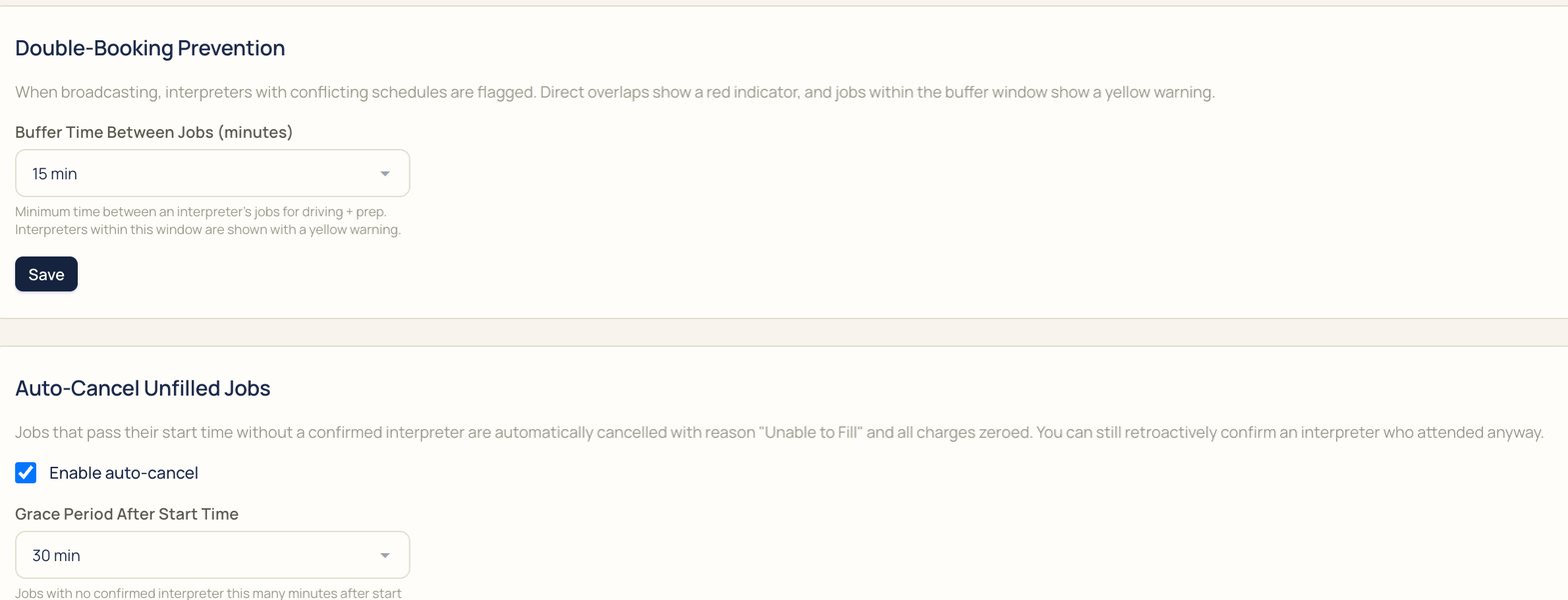
More real screens from the demo agency.
$99 a month, added to Standard.
Paste a request or upload a document. IMP drafts the job and marks what it read, and a scheduler reviews it before it goes out.
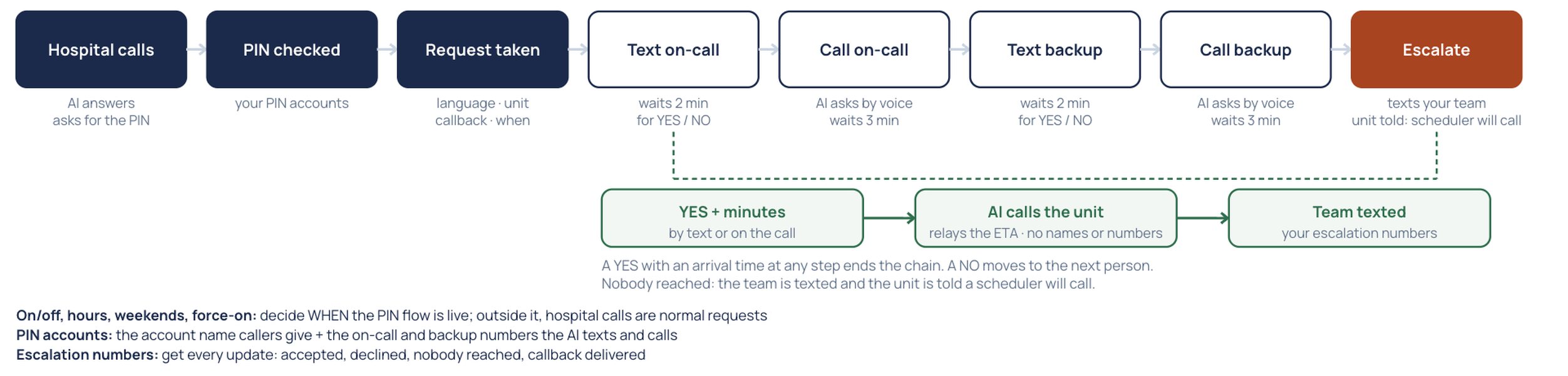
Answers calls on its own phone line, day and night. It talks with callers, drafts jobs for your team to approve, and texts staff when a call is urgent. Overnight, it can dispatch hospital calls: it checks the caller's PIN, texts and calls your on-call interpreter and a backup, and calls the unit back with the arrival time.
Drafts replies to client tickets for your team to approve. Chat answers go straight to the person asking.
Hello, we need an ASL interpreter for an IEP meeting on Thursday, October 8, 1:00 to 2:30 PM, in Room 114, Main Building. The parent is Deaf. Please confirm by Tuesday.
An example request, and the draft AI Intake makes from it.
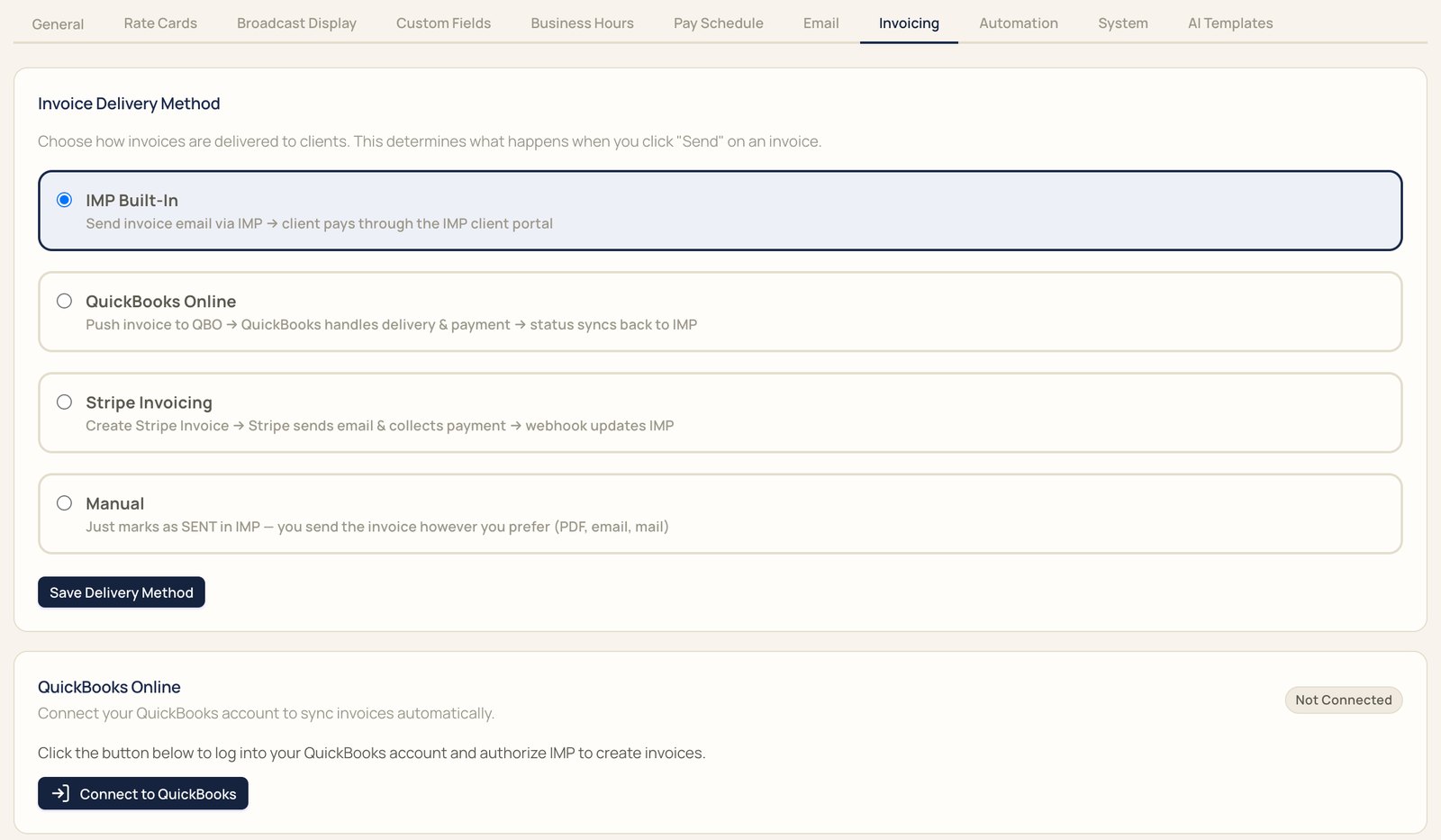
Send invoices from IMP, QuickBooks Online, or Stripe. Clients pay by card through your own Stripe account, and each pay period exports to a spreadsheet for QuickBooks.
One plan with unlimited interpreters, and one add-on.
Billed annually at $2,388 a year. Or $299 billed monthly.
Calls placed through IMP bill per minute on either plan: video, phone, and AI Translator.
FIA is a Deaf-owned interpreting agency. Since 2017 we've provided interpreters for community organizations, nonprofits, state, county, and federal agencies, hospitals, medical practices, and dental offices.
Most software for this work is built by people outside the field, and it misses what scheduling teams need every day. Interpreting moves fast, so we built IMP from scratch and change it as soon as the work changes.
About FIA and IMPSomething else on your mind? Bring it to the demo.
No. Every plan includes unlimited interpreters and accounts. Standard is $199 a month billed annually, or $299 billed monthly.
Yes. IMP books ASL and spoken-language interpreters, onsite and remote. AI Translator covers spoken languages only, and IMP won't put an ASL, CDI, CART, or TypeWell request on an audio-only call.
Yes. Clients get their own logins to request interpreters and follow their appointments, and an Account Admin can approve requests from their own staff.
The IMP app for iOS or Android, or a web browser. Job offers arrive as notifications, and confirmed jobs can go to their Google Calendar.
Yes. Invoices can go out through QuickBooks Online or Stripe, and clients pay by card through your own Stripe account.
Video and phone calls run inside IMP and bill per minute on either plan. If you turn on overflow, a call that rings past your delay is also offered to the IMP Interpreter Network, in ASL on video, and in Spanish and French on video or phone.
Connections and storage are encrypted, each agency's data is kept separate, and the activity log records job changes, invoices, and pay statements. Read about security.
Migration is free with annual billing. Bring a real request to the demo, and we'll show you how your jobs, interpreters, and rates move over.
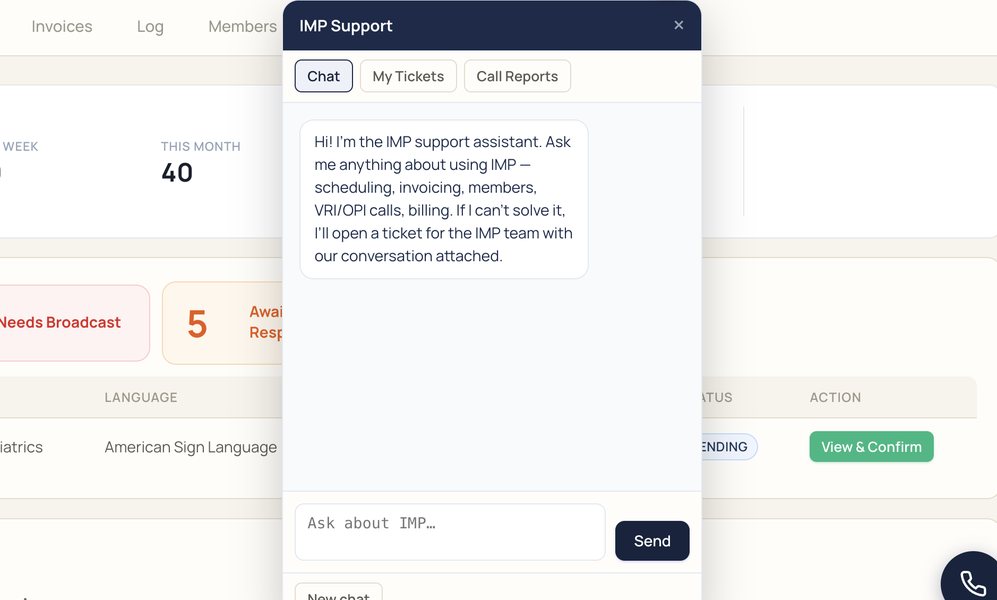
Every part of IMP has a short video in the help library, and the support assistant inside IMP answers questions day and night. Open the help library.
We'll book it in IMP with you, start to finish.
Need an interpreter? Book with FIA